
Pipedrive vs Onpipeline:
What happens beyond the Sales Pipeline?
Compare how Pipedrive and Onpipeline handle quotes, approvals, e-signatures, recurring revenue, invoicing, customer portals and the sales process after the pipeline.
Both Pipedrive and Onpipeline can support parts of this workflow. The main difference is not simply whether a feature exists. It is where that feature lives and how many additional products are required to complete the process.

Pipedrive Smart Docs vs Onpipeline Quote Management
Pipedrive Smart Docs uses templates populated with data from deals.
Onpipeline approaches quoting as a dedicated CRM workflow rather than primarily as document generation. Quotes are created from the deal using a pricebook, and the system includes configurable quote templates, currencies, commercial terms, revisions and quote history.
Pipedrive customers that require more advanced CPQ and approval functionality can add external applications. For example, PandaDoc and Qwoty together to obtain the same features.
Do you want quote approval to be part of the CRM itself, or do you want to extend the CRM with a dedicated CPQ platform?
E-signatures: the difference is the workflow around them
Both Pipedrive and Onpipeline support electronic signatures, so the difference is not simply whether a customer can sign a document online.
In Pipedrive, e-signatures are part of Smart Docs, its document generation and signing functionality. This works well for creating a document from CRM data, sending it to the customer and collecting a signature.
Onpipeline treats the signature as part of a broader commercial workflow. A deal can move from quote creation to internal approval, revisions, e-signature and then invoicing or recurring revenue management, all within the CRM.
For teams that need more control before and after the signature, the distinction is therefore less about the signing feature itself and more about how the entire process is managed.
Inventory: product catalog is not the same as stock management
Pipedrive includes a product catalog across its plans. Products can contain prices, product codes, taxes and unit information and can be inserted into Smart Docs quotes.
That should not, however, be confused with inventory management.
Onpipeline Advanced includes stock control connected directly to the quote process, allowing sales representatives to see product availability when preparing an offer.
Companies requiring inventory functionality alongside Pipedrive would normally extend their stack with another system or integration.
Customer Portal for document collection & sharing
This is one of the largest differences between the two platforms.
Pipedrive does not currently provide a native customer document portal equivalent to Onpipeline’s document-request workflow. There are several ways to extend it with external apps.
Onpipeline’s Customer Portal is a native CRM module. Customers can log into a branded portal, see invoices and shared files, receive specific document requests and upload the required documents. Requests can have due dates, reviewers, sample files and reminders. Submitted documents can be approved or rejected.
Pricing note: At the time of writing, Pipedrive Premium is $79/user/month when billed monthly and includes Smart Docs with e-signatures. Onpipeline Standard is $39/user/month, billed monthly, and includes Quote Management and e-signatures, making it up to 51% less expensive on a comparable monthly billing basis. Pipedrive offers a lower Premium price with annual billing, and Lite or Growth customers can also purchase Smart Docs separately.
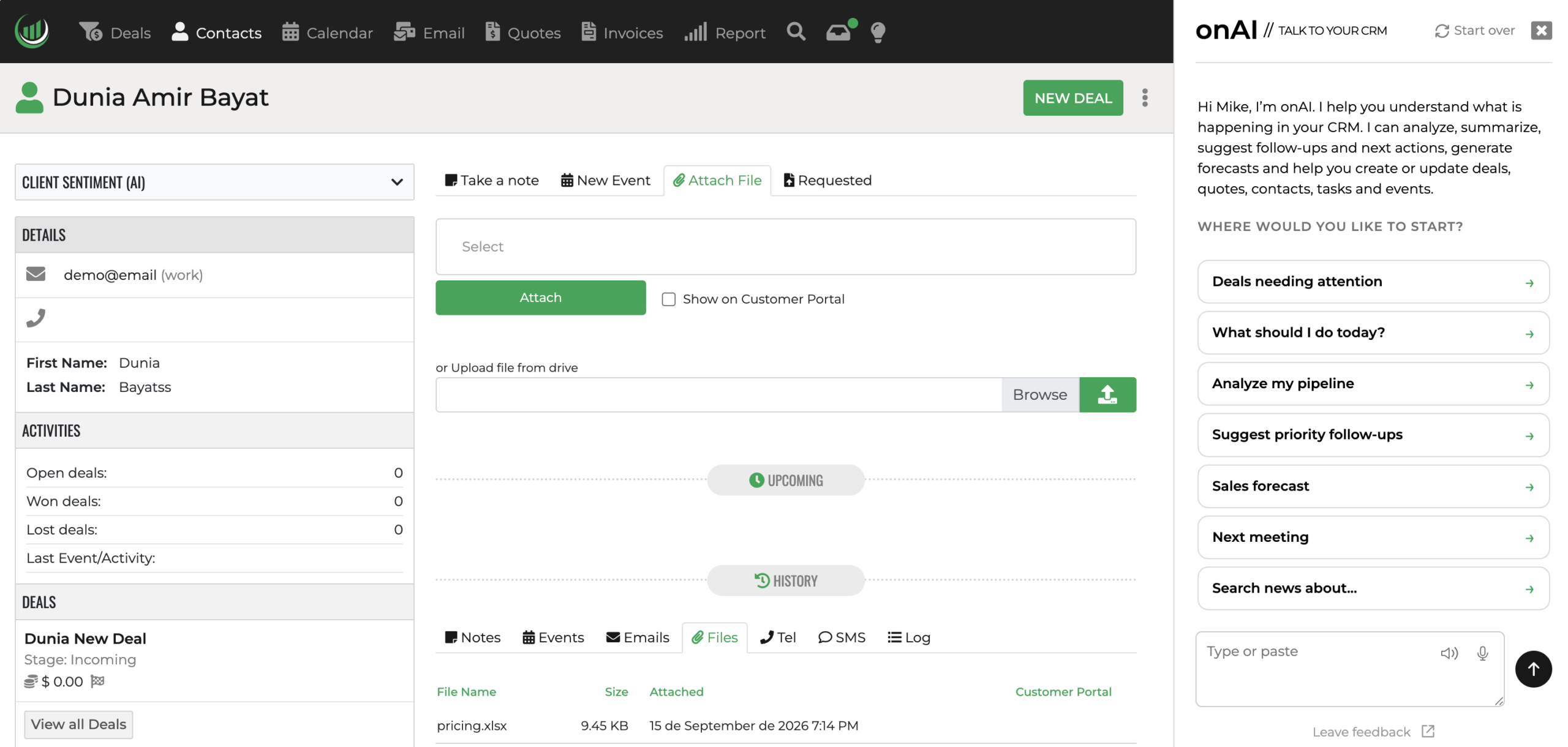
CRM with AI
Both Pipedrive and Onpipeline use AI to help sales teams work more efficiently. Onpipeline’s distinctive approach is to connect CRM records, deals, activities, emails and quotes in ready-to-use, natural-language workflows that can take a request through to PDF generation and e-signature preparation.
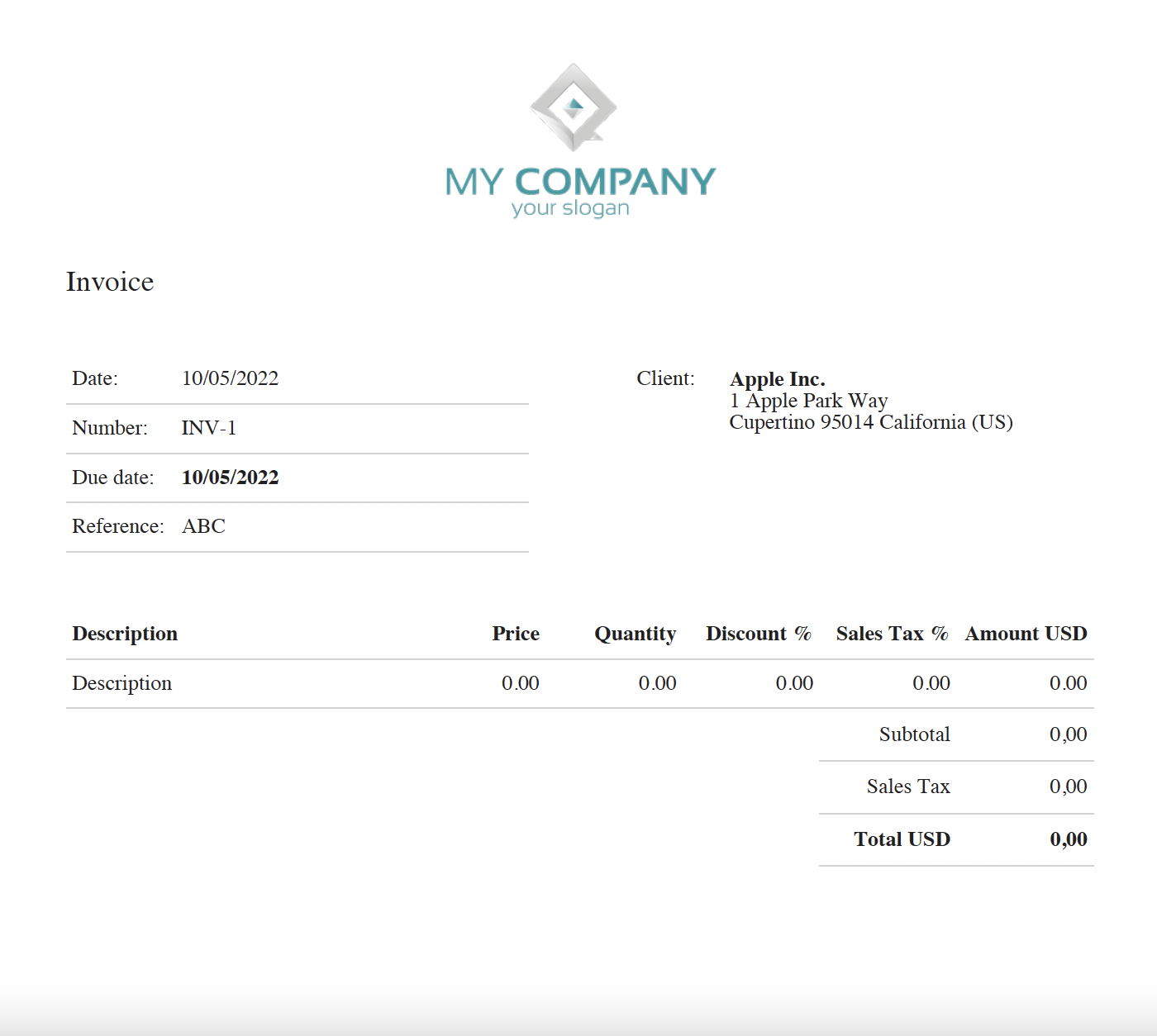
CRM with Invoicing
The distinction is not whether Pipedrive can support invoicing, but whether invoicing is provided by the CRM itself or through an additional platform.
Pipedrive allows users to create and view invoices, but its native invoicing integration currently relies on QuickBooks Online, which means the customer needs an active account with both Pipedrive and QuickBooks.
Onpipeline includes invoicing natively in the CRM. Users can create invoices and proformas, generate them directly from quotes, send them by email, record payments, send payment reminders, and track draft, paid and unpaid invoices.
Both platforms support sales pipeline management. Onpipeline extends the workflow to include quotes, e-signatures, invoicing, and a broader lead-to-invoice process within a single CRM environment.
Yes. Contacts, organizations, opportunities, activities, notes, and customer records can be imported into Onpipeline.
Yes. Onpipeline supports electronic signatures as part of the sales workflow.
Yes. Onpipeline includes invoicing tools that help teams manage the process from quote to payment.