
Close CRM vs Onpipeline:
What happens beyond the Sales Pipeline?
Close is a sales CRM built around conversations and sales activity. Calling, email, SMS, pipeline management and automation are central to the product.
Close is built to help sales teams communicate and close deals.
Onpipeline is designed to manage more of the commercial process that continues beyond the pipeline: quotes, approvals, e-signatures, subscriptions, invoicing, inventory and customer document collection.

Quotes: external proposal tools vs built-in Quote Management
Close does not include a dedicated quote-management process comparable to Onpipeline. For proposals, quotes and contracts, Close connects with external document applications such as GetAccept and Better Proposals.
Onpipeline treats quoting as part of the CRM itself. Quotes are created directly from deals and pricebooks, while approval, rejection and revision are part of the quote lifecycle. A rejected or changed quote can become a new revision while previous versions remain available and, where required, the revised quote can go through approval again.
E-signatures: external signing apps vs built-in signing
Close provides several ways to add electronic signatures through external tools.
Its documented DocuSign workflow, for example, requires Close, Zapier and a DocuSign account. An Opportunity event in Close can trigger document generation and send the document through DocuSign for signature, while completed envelopes can update Close afterwards.
Onpipeline includes remote e-signatures directly inside Quote Management. Once a quote is ready and approved where required, it can be sent to the customer for online signature without requiring a separate e-signature platform.
Inventory: data vs stock-aware sales
Close does not offer a native product catalog or inventory-management module as part of the sales workflow. Close focuses instead on Leads, Contacts, Opportunities and sales communication.
Onpipeline Advanced includes inventory as a dedicated CRM capability connected directly to quotation management. Sales reps can see stock availability while preparing an offer, while stock movements and availability remain connected to the products being sold.
Onpipeline additionally provides a dedicated stock-management process connected to quoting.
Attachments vs Customer Portal
Close allows users to attach files directly to Opportunities, and email attachments remain available from the Lead activity history. Onpipeline provides the same type of file attachment functionality within CRM records.
However, Onpipeline goes further with a customer-facing document workflow through its native Customer Portal.
Onpipeline Advanced includes a native Customer Portal where customers can access shared documents and invoices, receive specific document requests and upload the files requested from them. Documents can then be reviewed, approved or rejected, with corrected versions submitted when required.
Onpipeline also provides a workflow for requesting, collecting and reviewing documents with the customer.
Pricing note: Close Essentials is currently $49/user/month billed monthly, while Growth is $109/user/month. Quote generation, proposal management, remote e-signatures and invoicing are handled through external applications, whose subscriptions may add additional cost. Onpipeline Standard is $39/user/month billed monthly and includes Quote Management, approvals, revisions, e-signatures, recurring revenue and invoicing within the CRM.
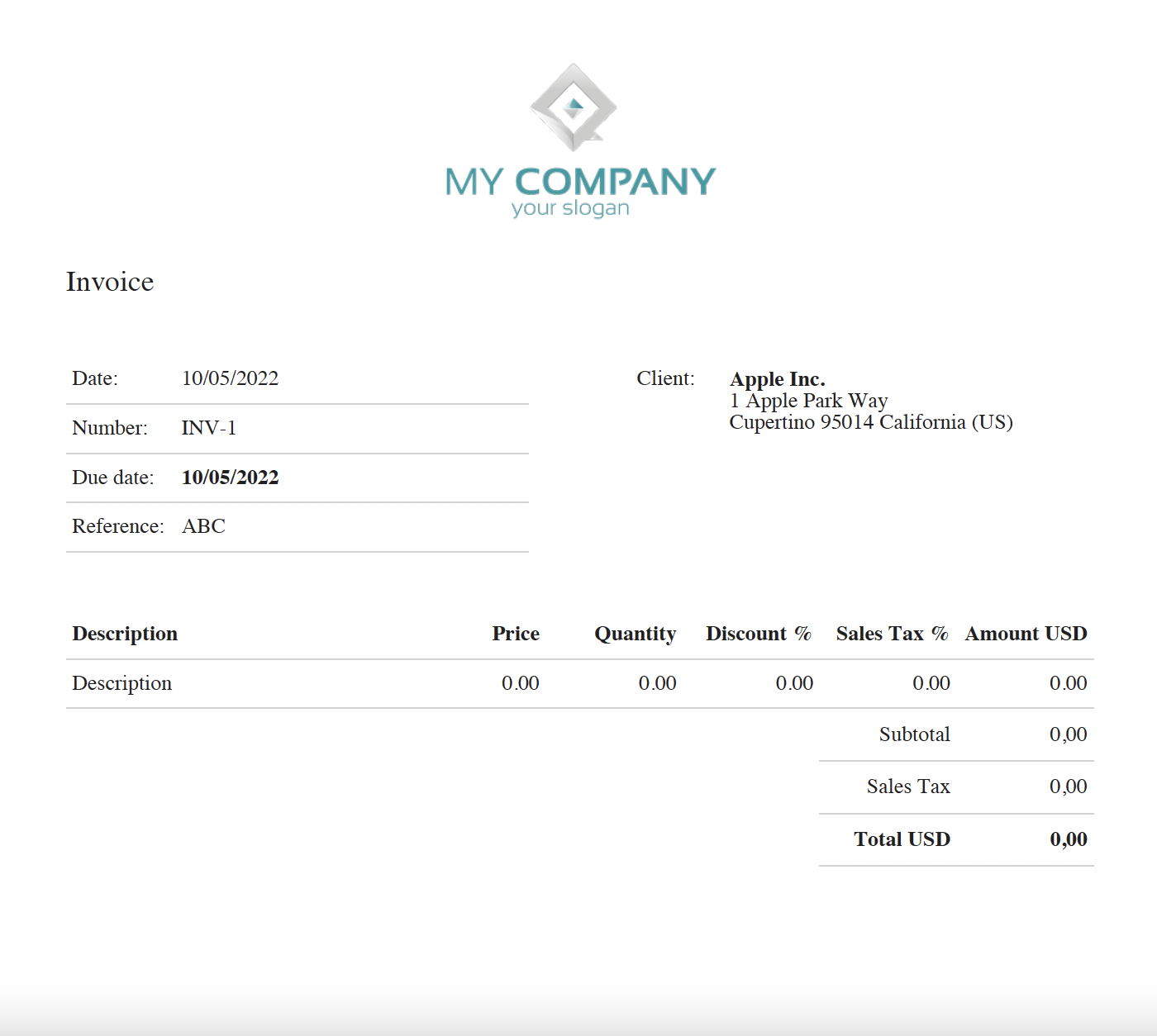
CRM with Invoicing
Close’s integration ecosystem extends the CRM into invoicing. For example, its InvoiceBerry integration can prepare and send invoices after a deal closes.
The invoicing engine itself, however, is provided by the external application.
Onpipeline includes invoicing directly in the CRM. Quotes can continue into invoices, users can create invoices and proformas, send them to customers, record payments, send reminders and manage the commercial billing process without requiring a separate invoicing platform.
Try Onpipeline Free for 30 Days
No contract and no credit card required. Fully operational account. You can try and confirm the same settings by placing an order, or simply let the trial period expire.
Start today