
 Free quiz to know your sales aptitude
 Sales Pipeline Calculator
Healthcare organizations need more than a traditional CRM. They need a platform that can securely manage patient communication, intake, scheduling, follow-ups, and PHI while remaining fully HIPAA compliant.
The problem is that most “CRM” lists online are filled with generic sales tools that were never designed for healthcare workflows.
This guide focuses on platforms that are actually useful for clinics, practices, telehealth providers, therapists, and healthcare organizations, especially those looking to improve patient acquisition, intake, engagement, and retention while staying compliant.
What Is a HIPAA-Compliant CRM
A HIPAA-compliant CRM is customer relationship management software designed to help healthcare organizations manage patient relationships while protecting sensitive health information.
Unlike a standard sales CRM, a HIPAA-compliant CRM includes safeguards for handling protected health information (PHI), such as secure data storage, access controls, audit logs, encryption, and a signed Business Associate Agreement (BAA).
Why Do You Need It?
Healthcare providers need this type of CRM to safely manage patient acquisition, intake, engagement, follow-ups, and retention without exposing patient data to compliance risks. In short, it helps clinics and healthcare teams improve patient communication and operational efficiency while meeting HIPAA requirements.
1. Onpipeline
Best Flexible HIPAA-Compliant CRM for Patient Acquisition & Engagement
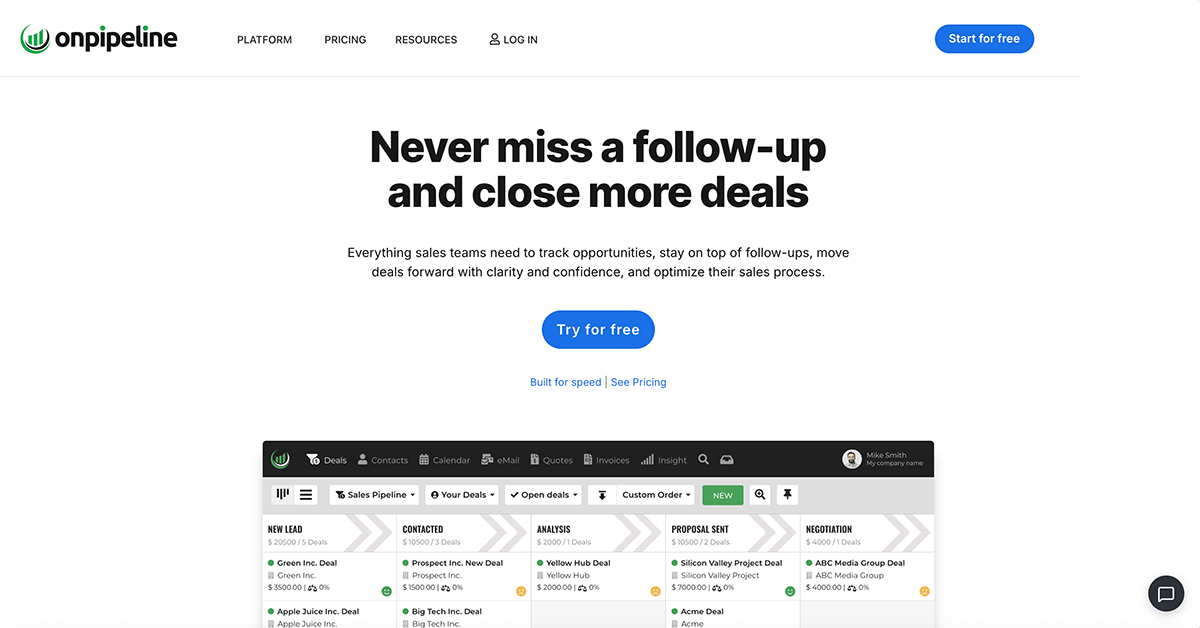
Healthcare providers looking for a lightweight, customizable HIPAA-compliant CRM that works alongside EHRs, scheduling software, intake tools, and patient communication systems.
Unlike enterprise healthcare platforms that try to replace your entire stack, Onpipeline works extremely well as a patient relationship layer on top of existing healthcare software.
That’s important because many clinics already use:
- EHR software
- practice management systems
- telehealth platforms
- billing software
But still lack a modern CRM to manage:
- patient acquisition
- lead nurturing
- referrals
- intake workflows
- retention campaigns
- automation
Onpipeline fills that gap without the complexity of enterprise healthcare suites.
- HIPAA-compliant infrastructure
- Signed Business Associate Agreement (BAA) included
- Audit logs
- Secure web forms
- Automated workflows
Why It Stands Out
Most healthcare tools are either:
- too clinical (EHR-first)
- too expensive
- or too sales-oriented
Onpipeline sits in a very interesting middle ground:
- easier than Salesforce Health Cloud
- cheaper than enterprise healthcare CRMs
- more flexible than niche medical software
It’s especially useful for:
- med spas
- private clinics
- telehealth startups
- behavioral health
- wellness providers
- patient acquisition teams
Pricing
Compared to healthcare-specific platforms, pricing is more accessible ($58).
Notes
Onpipeline is not a full EHR or clinical management platform.
Instead, it works best:
- alongside medical software
- or as a patient acquisition + engagement CRM layer
And honestly, that’s often the smarter architecture.
Try Onpipeline for free
2. NexHealth
Pure Patient Intake Automation
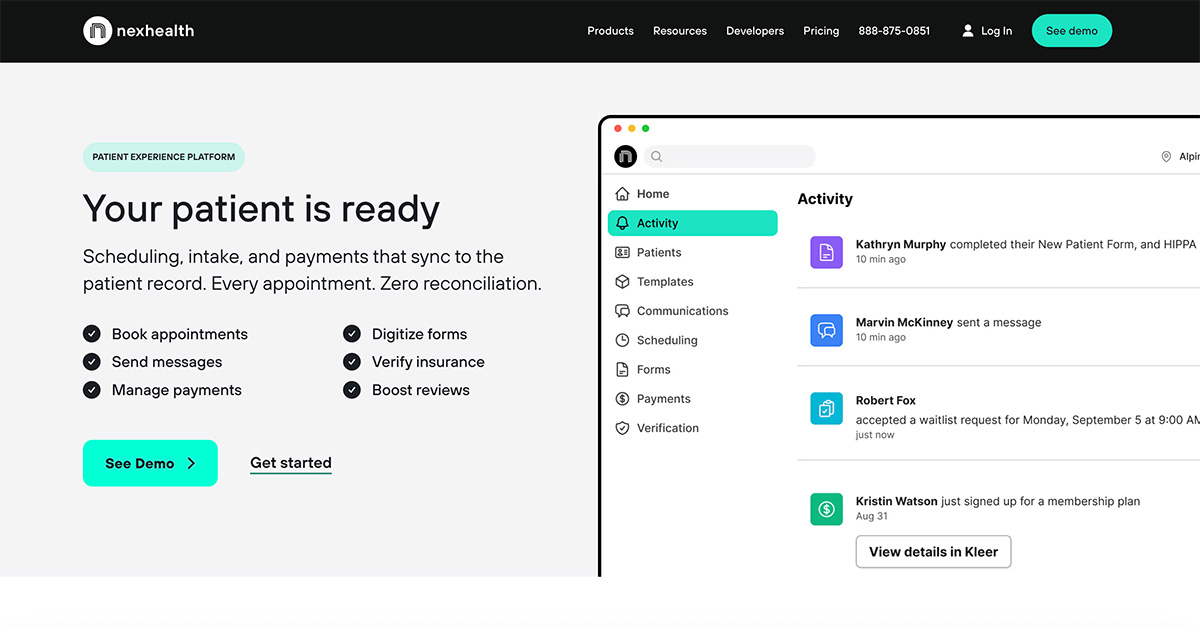
Practices that want to automate front-office operations and patient intake.
NexHealth is less of a traditional CRM and more of a patient experience platform tightly connected to EHR systems.
Its strongest feature is intake automation.
Core Features
- Digital patient intake forms
- HIPAA-compliant messaging
- Appointment scheduling
- Automated reminders
- EHR synchronization
NexHealth also supports:
- review requests
- payments
- patient communication
Pricing
NexHealth uses custom pricing, but public references suggest plans may start around:
- $299/month
- potentially higher depending on modules and practice size
That makes it significantly more expensive than lightweight CRMs.
Best Stack Strategy
Many healthcare organizations actually combine:
- NexHealth for intake + scheduling
- Onpipeline for sales process manegement
That combination covers both:
- operational workflows
- patient relationship management
without forcing everything into one system.
3. SimplePractice
Best for Therapists & Behavioral Health
Therapists, psychologists, and solo healthcare practitioners.
SimplePractice is one of the most popular HIPAA-compliant practice management platforms in behavioral health.
It combines:
- scheduling
- intake forms
- telehealth
- billing
- secure messaging
- client portals
inside one ecosystem.
HIPAA & Security
SimplePractice emphasizes:
- HIPAA-compliant telehealth
- encrypted messaging
- secure portals
- compliant document handling
Current public pricing includes:
- Starter: around $49/month
- Essential: around $79/month
- Plus: around $99/month
Additional clinicians and features can increase costs considerably.
Strengths
SimplePractice is excellent for:
- solo practices
- therapists
- counseling
- speech therapy
- behavioral health
The onboarding experience is also far simpler than enterprise medical systems.
Weaknesses
It’s less flexible as a true CRM.
Marketing automation, acquisition funnels, and complex pipeline workflows are not its strongest area.
That’s why some practices pair:
- SimplePractice for clinical operations
- Onpipeline for patient acquisition and retention
4. Tebra
All-in-One Practice Management Platform
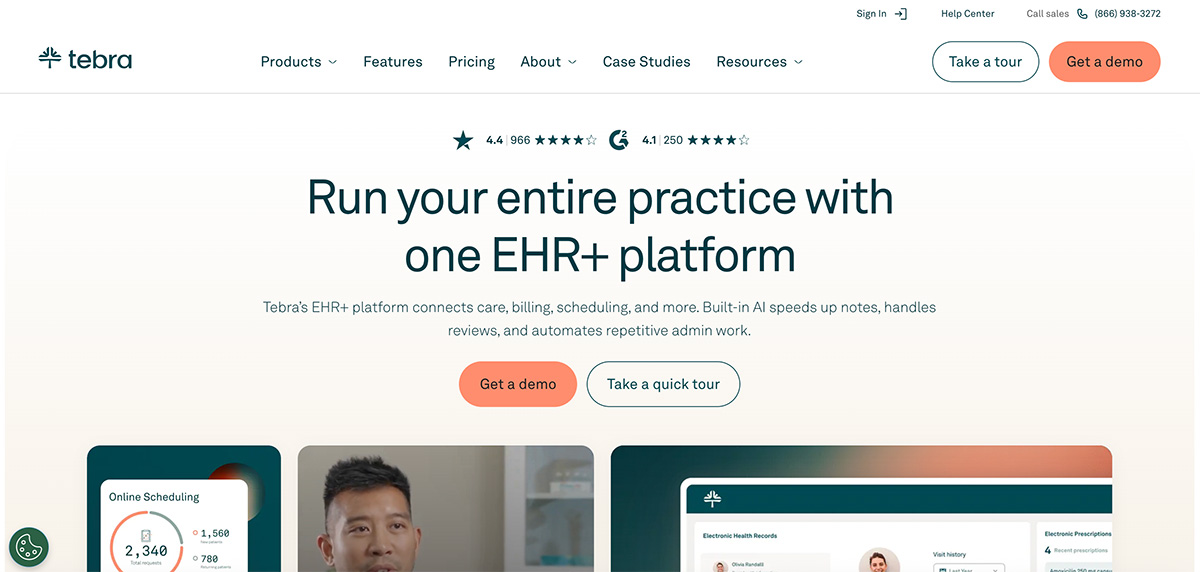
Tebra (formerly Kareo) combines:
- EHR
- billing
- patient engagement
- scheduling
- communication tools
into a larger practice management ecosystem.
It’s more operationally focused than CRM-focused.
Best for:
- mid-sized practices
- clinics replacing legacy systems
- providers wanting a single platform
5. DrChrono
Best Mobile-First Healthcare Platform
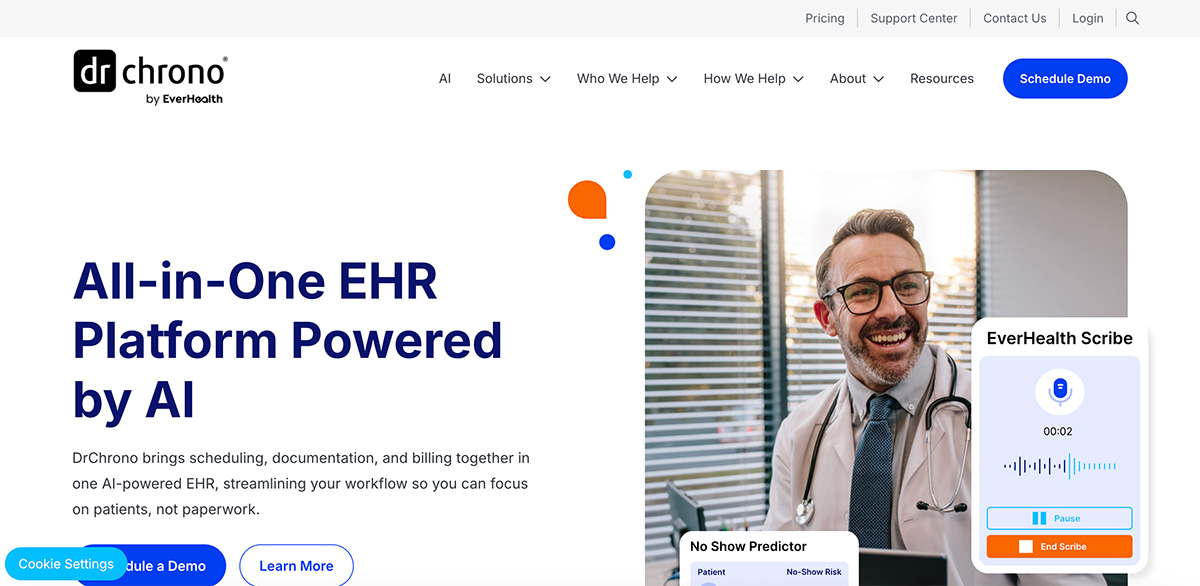
DrChrono is widely known for:
- mobile-friendly workflows
- iPad-native experience
- telehealth
- medical charting
It’s more EHR-centric but includes patient communication and management capabilities.
Ideal for:
- mobile healthcare teams
- modern private practices
- providers needing flexibility