
Quote Management
Unlike traditional CRMs that require external proposal tools, Onpipeline lets you create branded quotes, track revisions, and collect esignatures from a single workspace.
Managers can approve discounts and pricing changes without leaving the CRM, eliminating email chains and reducing quote errors.
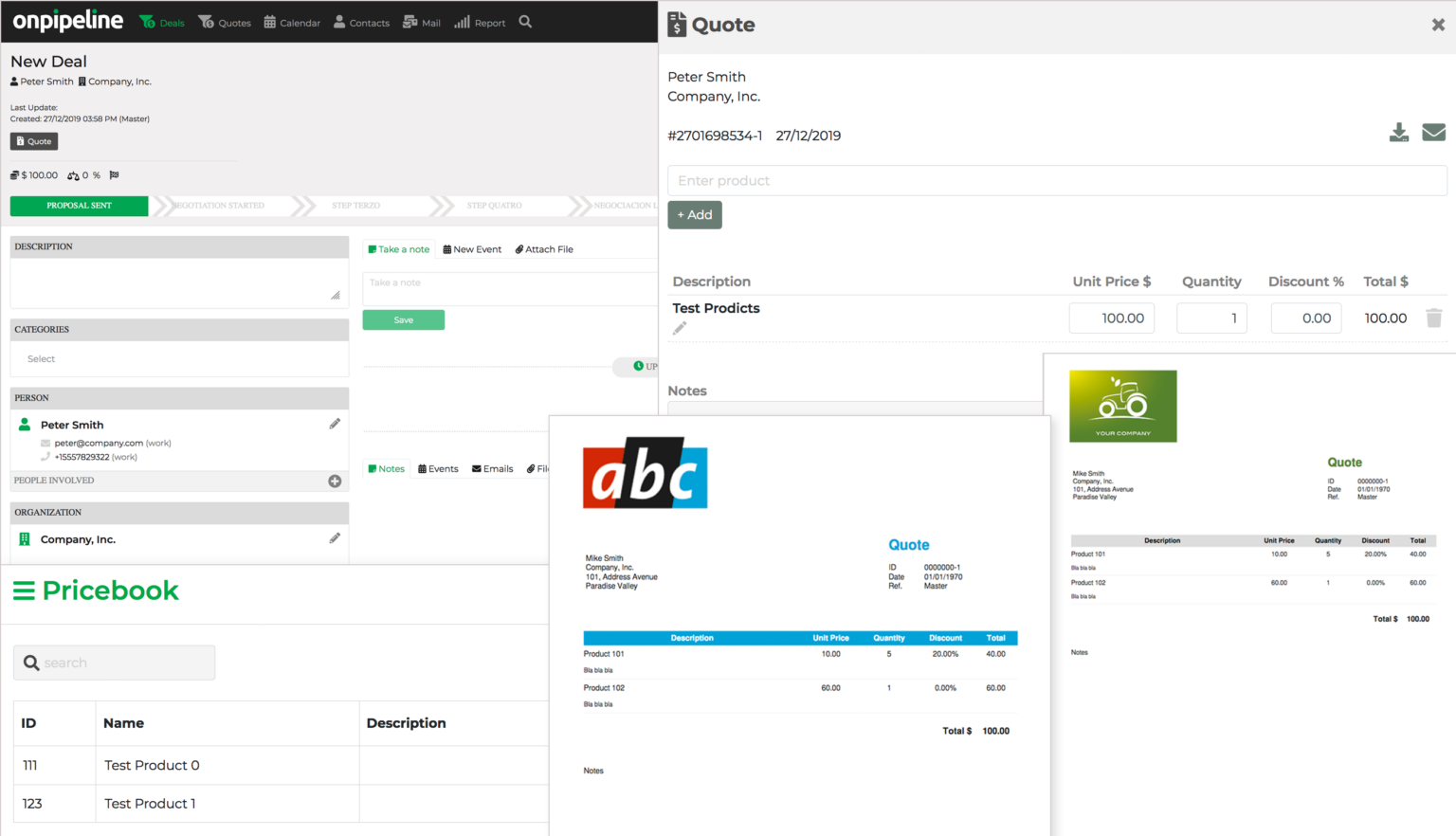
Custom Proposals
Modern businesses can no longer survive with generic contents. Businesses can attract customers’ attention and build trust by making personalized offers.
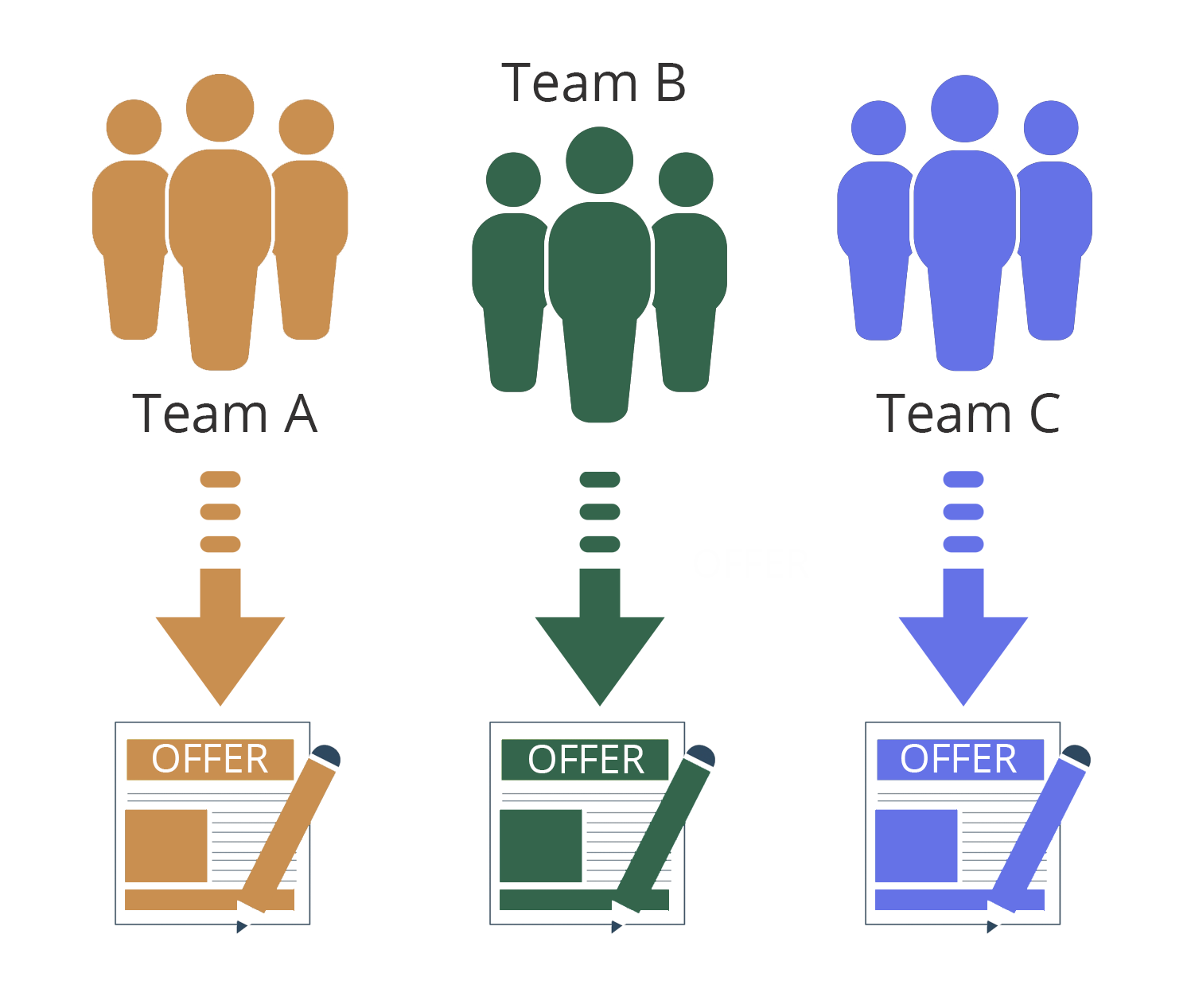
You can make PDFs with your company’s style and colors. You can also create a template for each team and use different headers and addresses. You can even translate the templates into any language.
Make your changes in the UI – Our support team can help with full customizations.
Quote Approval & Sending
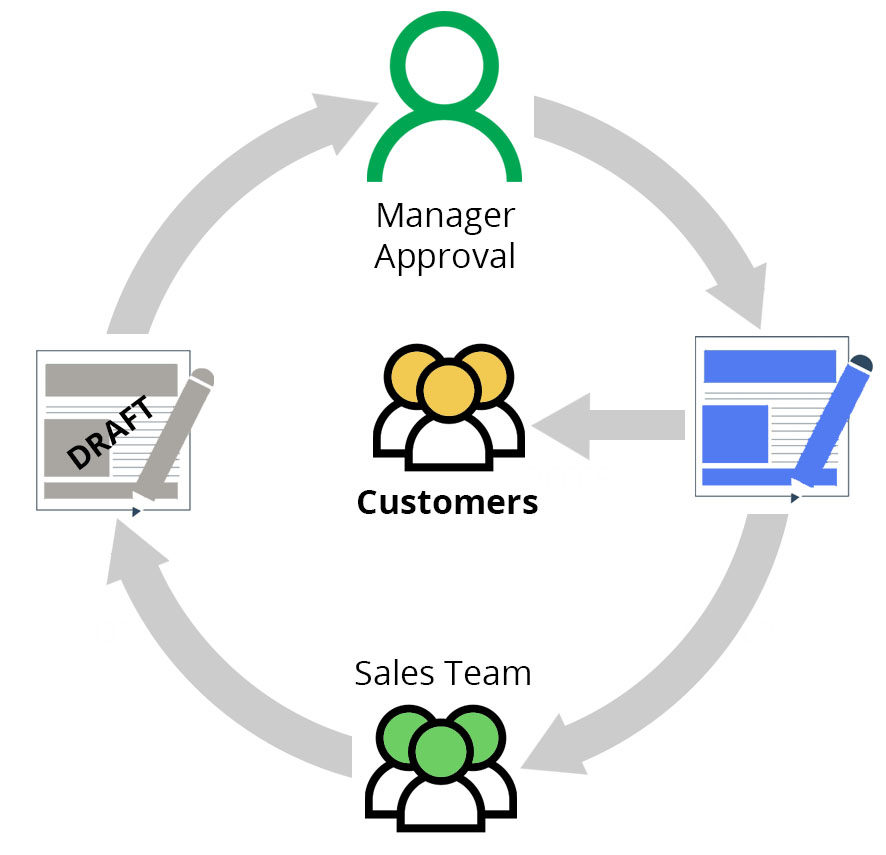
Price quotes may be subject to team leaders or administrators approval. Whether you want your offers auto-approved or not is up to you. Offers will remain in draft form until approved by the manager.
After completing the offer, you can either email the PDF directly to the customer from Onpipeline or download it and manage it externally.
Pricebook & Currencies
Sales representatives can add items directly from a price list or create custom items without accessing the price book. This makes the offer creation process faster and more efficient, helping businesses save both time and money.
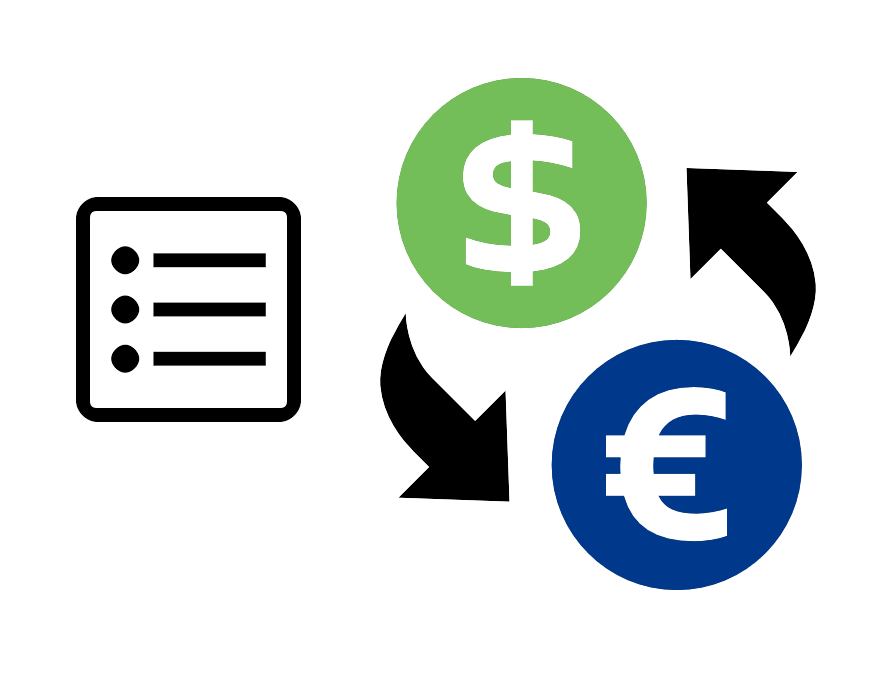
Products and services can be priced in any currency preferred by the customer. When creating an offer, prices can be converted automatically into the selected currency, removing the need to manage exchange-rate complexities manually.
All currency conversions are based on official exchange rates.
Quote Version / Revisions
During negotiations, customers may request changes or ask to explore different options. To support this process, sales representatives can create multiple quotes for the same deal.
When updating a quote, the sales representative can choose whether to save it as a new revision. Saved revisions remain available, making it easy to review previous quotes, track changes, and manage the negotiation process more effectively.
Inventory
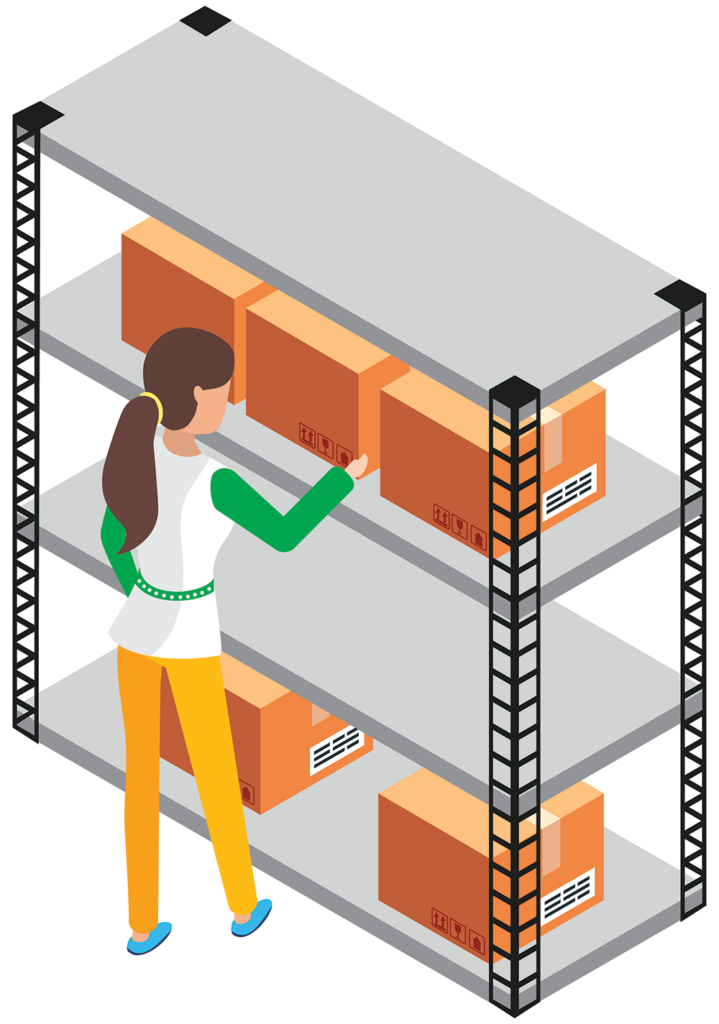
If you sell products, having accurate stock information is essential. Outdated inventory data can lead to missed sales opportunities, unfulfillable orders, and dissatisfied customers.
Our inventory module is integrated directly into the quotation system, so there is no need to use external applications. Sales representatives can check real-time product availability and access accurate, up-to-date stock information from a single interface.
e-Signature
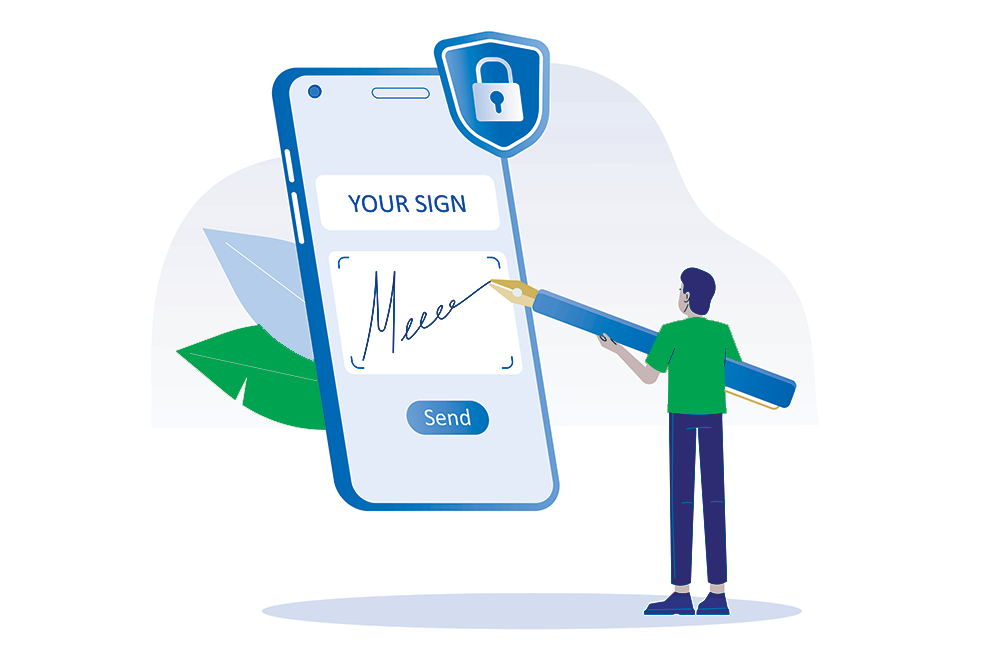
When your customer is ready, you can expedite the sales process by sending the document directly for e-signature. In just moments, your customer will receive a link to sign the document and complete the purchase.
Our digital signature system does not require external applications.

Free for 30 days!
No contract and no credit card required. Fully operational account. You can try and confirm the same settings by placing an order, or simply let the trial period expire.
Start todayWhat is Quote Management?
Quote management involves creating, organizing, and managing price quotes or proposals for customers. To make it easier to understand, the process includes customizing quotes. It also involves keeping track of versions and setting up approval processes.
Additionally, the system stores quotes for easy access.
We can improve sales and maintain consistent prices by managing quotes. We can also analyze data to improve sales and customer interactions.
Can I customize my quotes?
Yes, you can customize your quotes using our quote management software. To meet customer needs, you can adjust pricing, quantities, services, and terms. You can customize quotes to provide a tailored and competitive sales experience to clients.
How many templates can I set up?
There are no limits, each team in the CRM can have its own templates and operate independently. Teams can customize their processes and documentation to fit their specific needs. You can create multiple businesses or divisions in one account.
How is the approval workflow?
Sales reps make draft quotes. Managers review and approve or reject them. To control prices, discounts, and follow company rules, employees need approval from a manager.
Once approved, quotes become final documents for customer presentation. Rejected quotes lead to feedback and revisions, improving the quoting process.
What is the price of the Quotation Software?
The price of our software depends on how many users there are, and you pay monthly. Our Standard plan includes Quote Management. Our plans include more than price quotes. They are part of a comprehensive CRM system for sales teams. For detailed pricing information, visit our pricing page.