
SHARE THIS ARTICLE

Topics:

Label renaming

free tools
Free quiz to know your sales aptitude Sales Pipeline Calculator
1 minute read

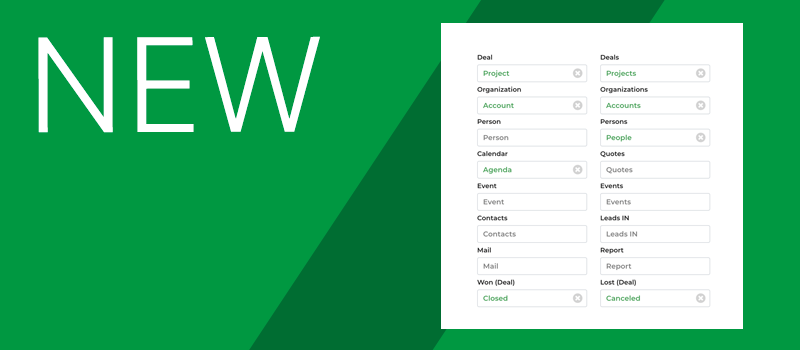
Many customers ask us how they can rename the labels in the menu, because they want to customize them according to their business or simply because they would like to give them names they prefer. It’s not exactly a text translation system, but rather a “cosmetic” feature.

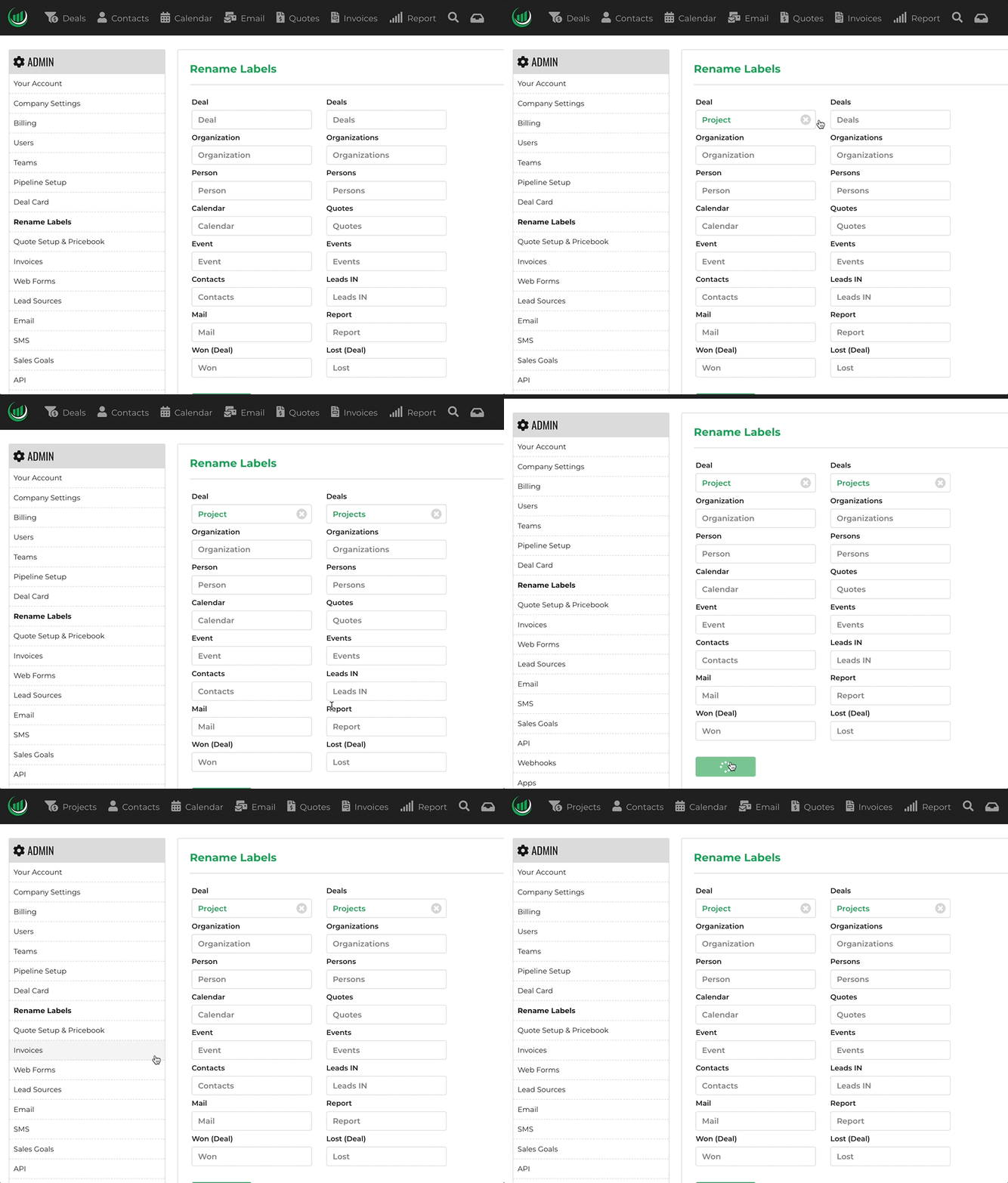
See it in action

In settings just locate Rename Labels and choose the names you like best. The only limitation is given by the length which for graphic reasons cannot exceed 14 characters (long names must be abbreviated).

Ready to try Onpipeline?

No contract and no credit card required. 

Try for Free

SHARE THIS ARTICLE

Editor’s Picks:

Start for Free

Instant access. No credit card. Free for 30 days.
Your Full Name
Company Name
Business Email
Choose a password

By continuing, you agree to our Terms and Privacy Policy

Should you have any questions please contact us

Try Onpipeline CRM free

Close more deals with less admin

No credit card required.